
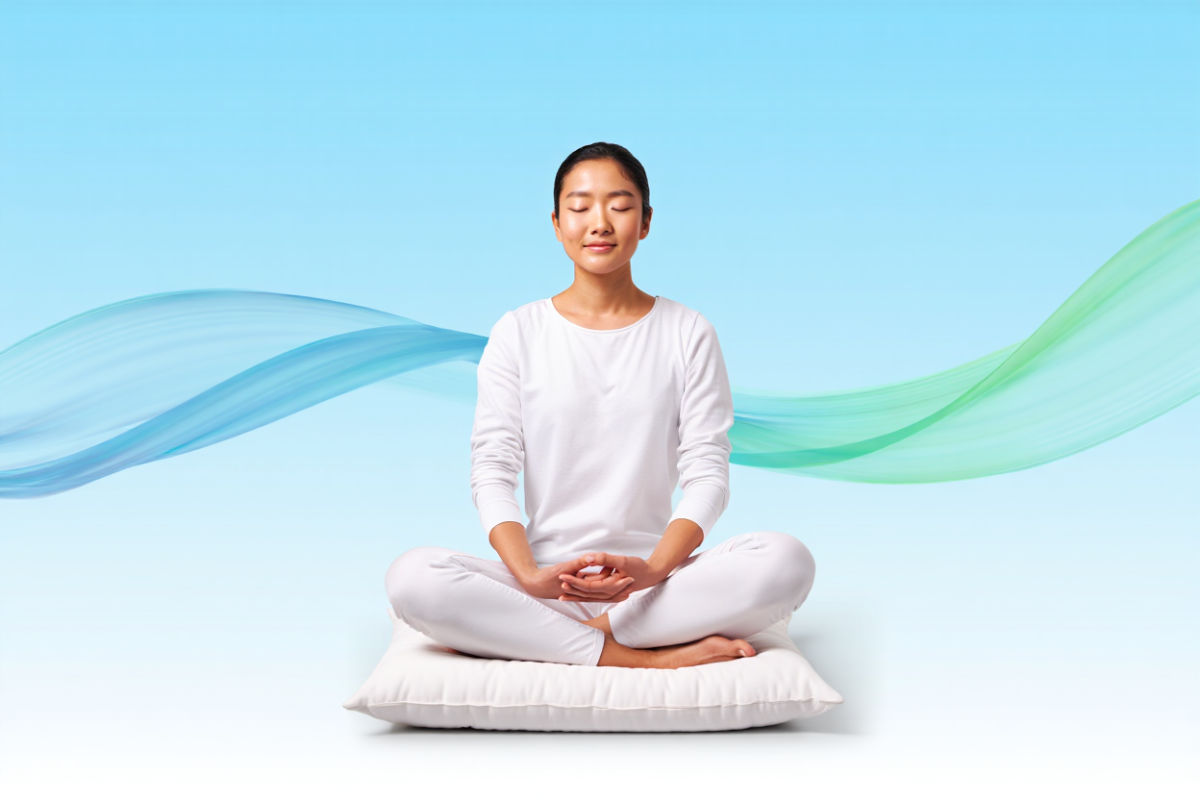
Google breathing exercise for stress relief is a built-in guided breathing tool that helps you decompress in just one minute. By typing queries like “breathing exercise” or “deep breathing” into Google Search, a calming animation appears on your screen to guide your breath. The on-screen graphics instruct you when to inhale, hold, and exhale, leading you through the one-minute exercise step-by-step. This quick relaxation break is meant to promote mindfulness and reduce stress, giving your day a brief pause for mental recovery. In the sections below, we’ll explain how to use the Google breathing exercise on any device (desktop, mobile, or Chromebook), outline its key features and benefits, and share tips on incorporating this quick relaxation practice into your routine. By the end, you’ll know exactly how to start the Google breathing exercise and use it for daily stress relief and mindful breathing.
Figure: Silhouette of a person doing a breathing exercise outdoors at sunset, illustrating stress relief and mindfulness. This built-in tool acts like a virtual breathing coach on your screen. It appears directly in Search results when you type “breathing exercise,” so there’s no separate download or app needed Once triggered, a gentle pulsing circle appears. You watch the circle expand as you inhale and contract as you exhale. Because it’s web-based and free, the Google breathing exercise can be used on any device – desktop, laptop, tablet, phone, or Chromebook – whenever you need a quick stress break. (On Android devices, Google Fit’s Breathe app offers a similar guided session.)
What Is the Google Breathing Exercise?
The Google breathing exercise is essentially a hidden feature in Google Search that acts as a one-minute guided relaxation tool. Tech outlets reported that Google quietly launched this Easter egg in mid-2018. Now, whenever you search for “breathing exercise,” “deep breathing,” or related terms, Google automatically offers this breathing guide at the top of the results page. Search Engine Journal calls it a “1-minute breathing exercise” built right into search. This built-in tool gently guides your breath with simple visuals, aiming to calm your mind and reduce stress.
How to Use the Google Breathing Exercise
Using this tool is effortless. Follow these steps to launch the Google breathing exercise:
-
Open Google Search. On any device (desktop, mobile, Chromebook, etc.), go to Google.com or open your browser’s search bar.
-
Type your query. Enter the words “breathing exercise” (or a similar phrase) into the search bar and hit Enter.
-
Find the breathing widget. At the top of the results page you should see the breathing exercise interface. Click “Start” (or the play icon) next to the 1-minute guide
-
Breathe with the circle. As the exercise runs, a colored circle on the screen will expand and contract. Inhale slowly as the circle grows, hold as indicated, then exhale as it shrink
-
Finish or replay. After 60 seconds the session ends. If you still feel tense, simply tap the replay button (the circular arrow) to do another minute of breathing
For example, the Gassho meditation guide outlines the same process: “Open Google Search, type ‘breathing exercise’, then breathe in and out following the circle on the screen”. Popular Science similarly notes that the on-screen graphics instruct you when to inhale, hold, and exhale during that one-minute session. It’s that straightforward: just follow the prompts. You can repeat the exercise as needed or plug it into your daily routine (for instance, once in the morning or during a lunch break).
Benefits of the Google Breathing Exercise
Taking just one minute to breathe deeply can have real physiological and mental health benefits. The Google breathing exercise taps into well-known relaxation techniques. As the Gassho guide explains, “even a single minute of slow, intentional breathing can have proven physiological benefits” For example:
-
Improves HRV (Heart Rate Variability): Slow breathing helps balance the autonomic nervous system and improve HRV, meaning your body handles stress better.
-
Activates the parasympathetic response: A deep exhale triggers the “rest and digest” system, lowering heart rate and dilating blood vessels
-
Lowers stress hormones: Continued breathing practice can reduce cortisol (the stress hormone) and lower blood pressure.
-
Increases oxygenation and feel-good chemicals: Deep breaths fully engage your diaphragm, stimulating the vagus nerve. This raises endorphin levels and calms anxiety.
-
Reduces anxiety: In a 2023 review, breathing interventions significantly reduced stress/anxiety in 54 of 72 studies showing the effectiveness of these simple exercises.
In plain terms, pausing to breathe deeply—even for a minute—can de-stress your body. Harvard Health reports that a few minutes of slow breathing can drop systolic blood pressure by up to 10 points. The UK’s NHS advises inhaling through the nose and exhaling through the mouth slowly to relieve tension which follows the same principle. In essence, this quick guided exercise is a shortcut to tap into these scientific benefits.
Key Benefits:
-
Better HRV and relaxation: Balances your nervous system and promotes calm
-
Lower stress hormones: Reduces cortisol and blood pressure over time
-
Quick mental reset: A brief pause that improves focus and reduces anxiety.
-
Fast relief: Even 60 seconds of intentional breathing can reset your stress response in a busy day.
For more on breathing techniques, check out the NHS breathing exercises guide and Harvard Health’s articles on breathwork.
Features and How to Use the Breathing Timer
The Google breathing exercise is packed with helpful design features:
-
Timer (1 minute): The exercise runs a fixed 60-second countdown giving you exactly one minute of guided breathing each session.
-
Visual guide: A soft circle expands on the inhale and contracts on the exhale. Following this animation makes it easy to breathe at the right pace.
-
Replay: When the minute ends, a circular replay icon appears. Tap it to start another session immediately if you want more relaxation.
-
Share: A share button at the top lets you send the exercise link to friends or coworkers. It’s an easy way to encourage a colleague to take a breathing break.
-
No app needed: This is a search-based feature, so no downloads are required. Just use Google in any browser or the Google app.
-
Cross-platform: It works on any device with Google Search. For example, on a Chromebook you simply open Chrome and search for the Google breathing exercise as usual. The experience is the same on Windows, macOS, Android, or iOS.
-
On-device option: If you have an Android phone or Wear OS watch, Google Fit’s Breathe app offers a similar guided session
These features make the Google breathing exercise a convenient stress-relief tool – always ready whenever you need a one-minute break.
Mindfulness Aspect
Because the exercise is so simple, its main purpose is to bring mindfulness to your day. Slowing down to follow your breath, even for just one minute, is a form of meditation. Search Engine Journal notes that this routine is “a form of mindfulness” that can refresh your mindset. In practice, doing the Google breathing exercise trains you to notice your body’s signals and stay present. Many users report that one minute of focused breathing brings surprising clarity and calm. In fact, experts say a short breathing session like this may be “exactly what someone needs” to reset during a busy day.
Think of it as a micro-meditation: you’re consciously tuning into the present moment, which naturally reduces stress. After the exercise, take an extra few seconds to sit quietly with eyes closed – even that small pause can deepen the relaxation. While this one-minute session isn’t a full meditation, it can be a great entry point. Over time, incorporating the Google breathing exercise into your routine can enhance your overall mindfulness and stress resilience.
Tips for Practice
To get the most out of the Google breathing exercise, try these tips:
-
Schedule it: Set a daily reminder titled “Google breathing exercise” to prompt a short break.
-
Use breaks: Do the exercise between meetings, after completing tasks, or at the top of each hour. It’s a natural way to step away from the screen.
-
Encourage others: Use the share link to invite friends or coworkers. For example, send it to a teammate who might be stressed
-
Reflect after breathing: After the minute ends, close your eyes and notice how you feel for a moment. Even that small reflection deepens the benefit.
-
Be consistent: Try to practice daily. The more you repeat it, the more natural deeper breathing becomes. (One guide even recommends doing it at least once per day for best results
These simple tactics can boost the exercise’s benefit. Making this one-minute practice a habit can improve your productivity and well-being. Remember: it only takes a minute, but that minute can be incredibly powerful for your mental health.
FAQs
Q: What exactly is the Google breathing exercise feature?
A: It’s a one-minute guided breathing tool built right into Google Search. When you search for “breathing exercise” (or “deep breathing”), Google shows an interactive exercise at the top of the results. The tool has you breathe in, hold, and breathe out in sync with an on-screen animation.
Q: How do I start the Google breathing exercise?
A: Open Google in any browser or the Google app, type “breathing exercise” into the search bar, and hit Enter. A box with the breathing timer and circle will appear; just click Start to begin
Q: How long is this breathing exercise?
A: It lasts exactly 1 minute by default. A countdown timer shows the seconds. After 60 seconds, the session ends. If you want more time to relax, you can tap the replay button to start another minute
Q: Do I need a special app to use it?
A: No. This exercise is not a separate app — it’s part of Google Search. You access it through your web browser by searching “breathing exercise.” (Google Fit’s Breathe app on Android is related but runs on smartwatches/phones.)
Q: Does it really help reduce stress?
A: Yes. Research confirms that slow deep breathing activates your relaxation response. Even a brief guided session can calm your nervous system and lower stress markers. Many users report feeling calmer after just one minute of this exercise.
Q: Can I use this breathing exercise on any device, like my Chromebook?
A: Absolutely. It works anywhere Google Search works. On a Chromebook, you’d just open Chrome and search for “breathing exercise” just like on any PC. The experience is the same on mobile phones, tablets, and laptops.
Q: What is the breathing exercise timer?
A: The timer refers to the 60-second countdown clock that accompanies the exercise. It ensures you do a full minute of guided breathing each session.
Q: How often should I do this breathing exercise?
A: You can do it as often as needed. Practicing it at least once a day is a good goal. (One guide suggests doing it daily to build the habit.) Feel free to repeat it multiple times if stress hits you frequently.
Conclusion
In today’s fast-paced world, taking even a brief pause can make a big difference. The Google breathing exercise is a free, one-minute tool that anyone can use to manage stress and practice mindfulness. By simply searching for “breathing exercise” on Google, you can engage in a guided breath session that calms your mind and body.